Querying Three Databases in Parallel So My AI Agent Doesn’t Start From Zero
How I built a system that gives new coding agents memories from previous sessions - and what broke along the way.
Every time I spin up a new Claude Code agent, it knows nothing. Nothing about the patent work I did last week. Nothing about the voice bridge I refactored two months ago. Nothing about my preference for Bun over npm, or that my PostgreSQL runs on localhost with peer auth, or that the backchannel system uses Cloudflare Workers with D1 storage.
It’s a fresh model with a fresh context window. And I spend the first five minutes of every session re-explaining things I’ve explained a hundred times before.
This is the cold-start problem, and if you’re working with LLM coding agents, you’ve felt it. The model is brilliant, but it has amnesia. Every session is a first date.
I decided to fix it.
The Idea: Prime Agents Before They Start
The insight was simple: I already have memory systems. A PostgreSQL database with 715 entity observations accumulated over months of work. A Cloudflare Worker with semantic search over hundreds of past conversation transcripts. These systems exist. They’re populated. They work.
The problem isn’t that the knowledge doesn’t exist - it’s that new agents can’t access it at initialization time.
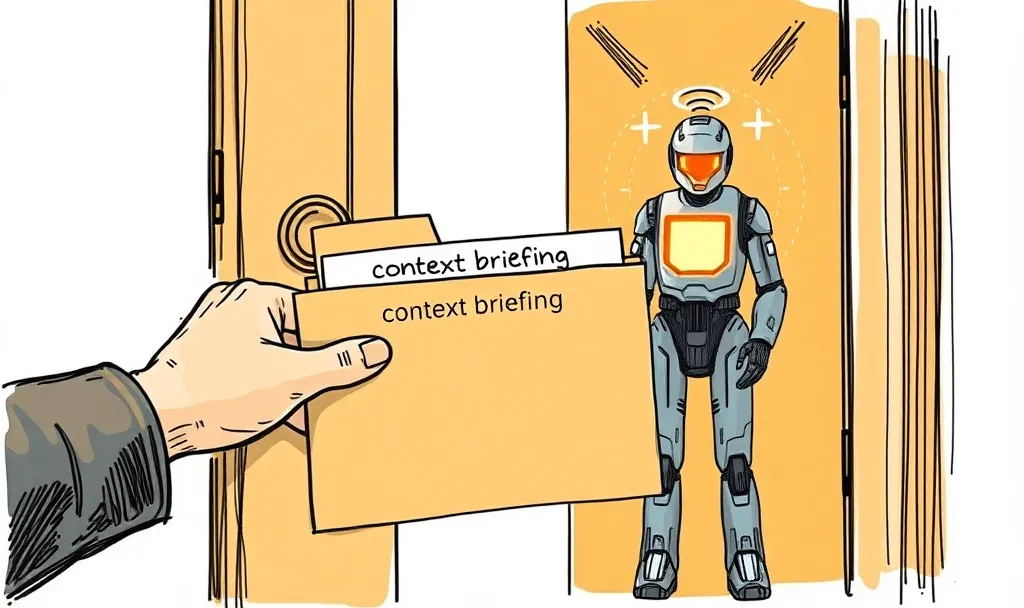
So I built PrimeAgentOrchestrator. When I say “spin up an agent for backchannel work,” here’s what actually happens:
- PAO queries my memory backends in parallel (PostgreSQL full-text search + Cloudflare semantic search)
- Results get compiled into a structured briefing
- The briefing gets written into the agent’s working directory as
CONTEXT_BRIEFING.md - A
CLAUDE.mdfile references the briefing (Claude Code auto-reads this on startup) - A new Terminal.app window opens with Claude Code
- The agent starts and discovers its context via the files - no clipboard paste, no timing dependency
The entire pipeline - query two databases in parallel, compile a briefing, write files - takes 586ms on average. The agent opens already knowing about the backchannel architecture, the design decisions I’ve made, and the current state of the project.
Bridge, Don’t Own
Here’s where I made a philosophical decision that turned out to be important.
I could have built a unified memory layer - one database, one schema, one query interface. That’s what most agent memory systems do. MemGPT (which gives a single agent persistent memory across sessions) manages its own tiered storage. Mem0 (a production-scale memory service) has its own extraction and consolidation pipeline. These systems own the memory end-to-end.
I went the other way. PAO doesn’t own any memory. It queries whatever databases already exist, using each one’s native query language. PostgreSQL gets to_tsvector/plainto_tsquery. The Cloudflare Worker gets JSON-RPC semantic search calls. Each backend evolves independently, serves other consumers (MCP servers, direct SQL queries), and doesn’t need to know PAO exists.
The tradeoff is real: retrieval quality varies across backends, there’s no cross-backend relevance ranking, and if a backend changes its schema, PAO’s queries break. But the advantage is equally real: I can add or remove backends without architectural changes.
I proved this when I removed one.
The Reminisce Incident
PAO originally queried three backends. The third was Reminisce, a SQLite-based semantic memory store that used keyword substring matching (LIKE '%keyword%').
During evaluation, I ran a control test: “quantum error correction codes” - a topic I’ve never worked on. It should have returned zero memories.
It returned twelve.
Why? Because the keyword extractor pulled out “error” and “correction,” and my memory database is full of software error handling. “ENOTEMPTY errors during rm -rf.” “PrimeAgent bug fixes.” “uv_cwd ENOENT error.” None of these have anything to do with quantum computing. They matched because “error” is a polysemous word, and keyword matching doesn’t understand that.
I ran precision scoring with an LLM judge (Claude Haiku 4.5 as an automated reviewer, temperature 0 for consistency) across 15 tasks. Removing Reminisce reduced control task false positives from 12 to 4, while in-domain precision stayed flat (57.4% vs 56.9%). Reminisce was adding volume without improving quality.
So I removed it. That’s the “bridge, don’t own” philosophy in action - backends can be swapped based on empirical retrieval quality without touching the orchestration layer.
Three Generations of Context Delivery (Or: Everything I Tried Before It Worked)
This is the part I wish someone had documented for me. Getting text from Point A (the briefing) to Point B (the agent’s context window) is way harder than it sounds.
Version 1 (December 2025): Clipboard Paste
Write the briefing to /tmp, then paste “Read /tmp/briefing.md” into the Terminal window via Cmd+V.
What broke: Claude Code takes 5-15 seconds to load MCP servers after the welcome screen appears. The paste arrived during loading and got swallowed. The agent never saw it.
Version 2 (January 2026): Paste After Readiness Polling
Same clipboard approach, but poll the terminal output first. Wait for readiness indicators before pasting.
What broke: My readiness indicators (“Claude”, “Tips:”, ”>”) matched the welcome screen, which appears 5-10 seconds before the agent is actually ready for input. I was pasting into a loading screen that looked ready but wasn’t.
Version 3 (February 2026): File-Based Injection
Write CONTEXT_BRIEFING.md directly into the agent’s working directory. Create a CLAUDE.md that references it. The agent auto-reads CLAUDE.md on startup and discovers the briefing.
What broke: Nothing. The files exist before the agent process launches. No race condition is possible. No clipboard timing. No paste failures. The agent finds its context as part of its normal startup sequence.
The evolution from clipboard-dependent to file-based delivery eliminated an entire class of timing-related failures. I’m not inventing this pattern - a study of 328 public Claude Code projects found that 72.6% use CLAUDE.md for architecture specs. I’m just automating what developers already do manually.
The Eval: Primed vs. Cold (And Why Cold Won Sometimes)
I ran the eval that every researcher would ask for: spawn 5 cold agents and 5 primed agents, give them the same task, compare the results.
An LLM judge scored each response on specificity, accuracy, and actionability (1-5 scale each, 15 max).
| Task | Cold | Primed | Winner |
|---|---|---|---|
| Backchannel architecture | 4 | 9 | Primed |
| MCP server inventory | 11 | 8 | Cold |
| App store notarization | 3 | 10 | Primed |
| Cloudflare infrastructure | 12 | 10 | Cold |
| Agent orchestration | 6 | 11 | Primed |
Primed agents won 3 of 5 with an average of 9.6 vs 7.2. But cold agents won twice, and the reason is interesting.
Cold agents that win are doing exploration. They immediately start searching the filesystem, reading files, calling tools. They don’t know anything, so they go find out. The primed agent, meanwhile, spends its first turn processing the briefing - reading CONTEXT_BRIEFING.md, acknowledging the context, synthesizing what it knows. By the time it starts working, the cold agent has already found half the answer through brute-force exploration.
The takeaway: priming helps most on knowledge-recall tasks (“what has been done?”) and less on exploration tasks (“what exists here?”). When the answer is in the agent’s tool reach, starting with memory can actually slow you down.
With N=5, these are case studies, not proof. But the pattern is clear enough to inform when you should prime and when you shouldn’t.
The Trust Dialog Problem (And Other Things That Eat Your Prompts)
Here’s something the academic literature completely ignores: when Claude Code opens a directory for the first time, it shows a trust dialog. “Do you trust this workspace?” The dialog blocks all terminal input. Any text sent to the terminal during this dialog is silently consumed.
This means if you automate agent spawning and send a priming prompt before dismissing the trust dialog, the prompt vanishes. No error. No feedback. Just gone.
PAO prevents this by pre-creating trust artifacts before launching the agent:
.claude/settings.local.jsonin the workspace (mirrors your global MCP server allowlist)~/.claude/projects/{path-key}/directory (signals prior project familiarity)
I discovered this bug when the readiness poller timed out after 45 seconds waiting for a prompt character that never appeared behind the dialog. The fix took 10 minutes. Finding the bug took an afternoon.
Another one: the Enter key on Terminal.app. When you paste a large text block via clipboard and immediately send Enter via AppleScript, the Enter keystroke fires before the input handler has finished processing the paste. The text appears in the field but never submits. This bug was actually reported to me by another Claude Code agent via a cross-agent messaging system, which is a story for another post.
What I’d Do Differently
If I were starting over:
-
Skip keyword matching entirely. Semantic search or FTS with stemming. Never bare
LIKE '%keyword%'. The false positive problem is worse than the false negative problem. -
File-based delivery from day one. I wasted weeks on clipboard approaches. The file system is the most reliable IPC mechanism there is.
-
Measure backend quality early. I ran PAO for months before discovering that one of my three backends was dragging down precision. A simple LLM-judged relevance check would have caught this immediately.
-
Don’t conflate orchestrator quality with backend quality. When I first ran the eval, I thought I was measuring PAO’s performance. I was actually measuring my memory systems’ retrieval quality. PAO is a passthrough - it delivers whatever the backends return. Understanding this distinction saved me from chasing the wrong optimization.
What’s Next
I’m building toward something bigger: multiple primed agents running simultaneously, coordinated through a real-time dashboard that shows every agent’s status, task, and communication. Think of it as mission control for AI agents - you spawn a research team, and you can watch each agent register, receive its briefing, start working, and send findings to each other. That demo is coming soon.
The full architecture, evaluation methodology, and failure mode analysis are documented in an academic experience report submitted to arXiv (cs.AI, submission 7547398). The evaluation dataset and results are on HuggingFace.
If you want to build something similar, here’s the core insight:
Your AI agents don’t need better models. They need better memories. And those memories probably already exist in your databases - you just need to compile them and deliver them at the right time.
Myron Koch is a researcher at Peak Summit Labs building personal AI infrastructure. He writes at Operational Semantics and publishes his AI tools at github.com/MyronKoch.