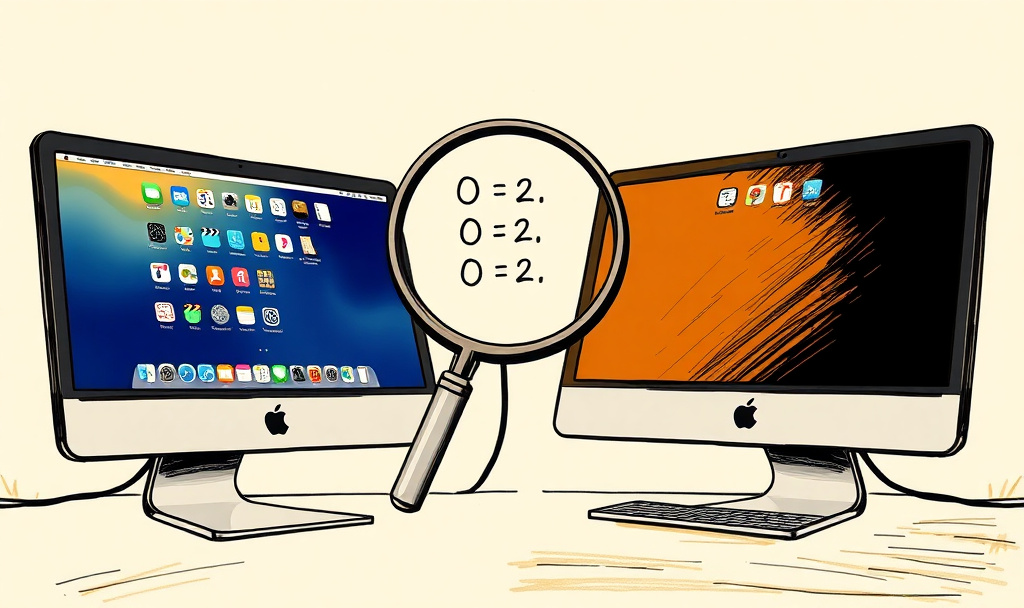
The Launchpad Ghost: How a Disk Cleanup Broke a Feature Apple Never Actually Removed
A routine DaisyDisk scan on my Mac Studio zeroed out two preference values, and I spent two days convinced Apple had killed Launchpad. They hadn’t.
I run two Macs - an M3 Mac Studio and an M1 MacBook - both driving my PAI infrastructure. Same macOS version, same Tahoe 26.4.1 build. A few days ago I ran DaisyDisk on the M3 to reclaim some storage. Routine maintenance: admin scan, review the purgeable space, purge it. DaisyDisk even labels purgeable space with “No action is required, the system will automatically purge this space as necessary.” I’d done exactly this dozens of times before.
The next time I went to launch an app with my usual four-finger pinch on the trackpad, nothing happened. No gesture response. No Launchpad. Just nothing.
If you’ve never relied on the four-finger pinch to launch apps, this might sound trivial. It isn’t. When your muscle memory is wired to that gesture for every single app launch - and I mean every one, dozens of times a day across three 50-inch monitors - losing it is like someone rearranging your keyboard layout. Everything slows down. Every interaction requires conscious thought where there used to be reflex.
The Nuclear Option That Also Failed
I reinstalled macOS. Full reinstall, right over the existing installation. That’s supposed to be the fix for anything that got corrupted. The kind of thing you do when you’ve run out of ideas and want to start clean.
Launchpad didn’t come back.
That’s when I started to believe the internet consensus: Apple removed Launchpad in Tahoe. To be fair, they didn’t eliminate the functionality entirely - they folded the app grid into the new unified Spotlight interface. Hit Cmd+Space to open Spotlight, then Cmd+1 to switch to the Apps view, and you get something similar. But “similar” and “the same” are different things. The Spotlight version is a keyboard-driven overlay. The old Launchpad was a single gesture - four-finger pinch, full-screen grid, done. Two keystrokes versus one fluid motion. Apple Community threads filled with hundreds of replies from people who felt the same way. Third-party replacements sprouted overnight.
I spent two days without the gesture, increasingly resigned. Case closed, right? The functionality moved to Spotlight. Accept it, retrain your muscle memory, move on.
The Thing That Didn’t Add Up
But here’s what nagged at me: my M1 still had Launchpad. Same OS version. Same build number. Four-finger pinch worked perfectly, launching the full-screen grid just like it always had.
If Apple truly removed Launchpad from Tahoe, why was it alive and well on an identical system?
There was also a brief window during the early developer betas where you could re-enable it via a feature flag plist at /Library/Preferences/FeatureFlags/Domain/SpotlightUI.plist, but Apple blocked that method in subsequent builds. So the feature had clearly been in there at some point. Had they really ripped it out completely?
Two Machines, One Diff
With the internet offering nothing useful, I fell back on what I always do: I have two machines, one working and one broken. Diff the configuration.
One broad grep across preference domains on both machines found it:
M1 (working):
TrackpadFiveFingerPinchGesture = 2;
TrackpadFourFingerPinchGesture = 2;
M3 (broken):
TrackpadFiveFingerPinchGesture = 0;
TrackpadFourFingerPinchGesture = 0;
Two integer values. 2 means “open Launchpad.” 0 means disabled. That’s the entire difference between “Launchpad works” and “Launchpad is gone.”
The preferences live in two domains:
com.apple.AppleMultitouchTrackpad(built-in trackpad)com.apple.driver.AppleBluetoothMultitouch.trackpad(Bluetooth trackpad)
Four Commands and a Restart
defaults write com.apple.AppleMultitouchTrackpad TrackpadFourFingerPinchGesture -int 2
defaults write com.apple.AppleMultitouchTrackpad TrackpadFiveFingerPinchGesture -int 2
defaults write com.apple.driver.AppleBluetoothMultitouch.trackpad TrackpadFourFingerPinchGesture -int 2
defaults write com.apple.driver.AppleBluetoothMultitouch.trackpad TrackpadFiveFingerPinchGesture -int 2
Restart. Four-finger pinch. Launchpad. Back from the dead.
The Root Cause Chain
Here’s what actually happened, reconstructed:
Step 1: DaisyDisk’s admin scan exposed purgeable space and system caches. I cleared the purgeable space - the operation macOS itself considers safe enough to do automatically. But somewhere in that process, cfprefsd (the macOS preferences daemon) lost its cached copy of the trackpad preferences. The cache likely lived in /private/var/folders/, the per-user cache directory where cfprefsd stores working copies of preference data.
Step 2: cfprefsd regenerated the preferences using Tahoe’s defaults. And here’s the critical part: Tahoe’s default for the pinch gesture values is 0 - disabled. Apple removed Launchpad from the default configuration but left the code intact.
Step 3: Reinstalling macOS couldn’t fix it because a fresh Tahoe installation also defaults to 0. This is the part that would trip up anyone. Reinstalling the OS is supposed to be the nuclear option that resets everything to a known-good state. But “known-good” for Tahoe means Launchpad is disabled. The reinstall didn’t fail. It succeeded at restoring exactly the wrong defaults.
Step 4: My M1 still worked because it had been upgraded from Sequoia to Tahoe. The upgrade process preserved the existing preference value of 2. It was never reset to the Tahoe default because the value already existed.
This means the Launchpad gesture is upgrade-path-dependent. If you upgraded from Sequoia, you kept it. If you ever lose those preference values - through a cache cleanup, a profile reset, a migration, or a fresh install - you lose Launchpad, and there is no GUI to get it back.
Zombie Features
This reveals a pattern I’m calling a “zombie feature” - a capability that Apple has officially removed from the user interface but left fully functional in the system internals.
The Launchpad binary still exists at /System/Applications/Launchpad.app. But you won’t find it browsing your Applications folder. It doesn’t appear in Finder. It’s not listed anywhere in the UI. You can only run it by calling open /System/Applications/Launchpad.app from Terminal, or by having the trackpad gesture preference set to the right value.
The trackpad gesture handler still checks for the pinch values. The full-screen grid renderer still works. The gesture toggle doesn’t appear in System Settings > Trackpad > More Gestures, even when Launchpad is actively working. There’s no UI anywhere in the system to enable or disable it.
Apple didn’t delete the code. They hid the binary from the user and hid the switch that activates it. A feature that is simultaneously fully functional and completely unreachable through normal interaction.
This creates a specific class of problems:
- Invisible breakage. If the values get zeroed out, there’s no visible indication of what went wrong. The gesture simply stops working.
- Unrecoverable through normal means. Reinstalling the OS doesn’t help. Resetting System Settings doesn’t help. The Apple Community forums don’t have the answer because everyone assumes the feature is gone.
- Asymmetric across machines. Two Macs on identical OS versions can behave differently based solely on whether they were upgraded or fresh-installed. Deeply confusing to debug unless you happen to have both configurations available to compare.
What I Do Differently Now
Before any major disk cleanup, I snapshot my key preferences:
defaults read com.apple.AppleMultitouchTrackpad > ~/Desktop/trackpad-backup.plist
defaults read com.apple.dock > ~/Desktop/dock-backup.plist
If something silently breaks, I can diff against the backup and find exactly what changed instead of spending two days assuming Apple killed the feature.
The broader lesson: when Apple deprecates something, check whether they actually removed it or just hid the controls. The Mac has a long tradition of hidden defaults write preferences that unlock removed or unreleased functionality. Launchpad in Tahoe is just the latest example - and probably not the last.
The fix in this post has been tested on macOS Tahoe 26.4.1 running on Apple Silicon (M1 and M3). The Launchpad binary and gesture handler may be removed entirely in future macOS updates.
Myron Koch is a researcher at Peak Summit Labs building personal AI infrastructure. He writes at Operational Semantics.